The soundcheck is underway, the singer starts to sing, and someone quickly turns up a monitor. Suddenly, a high-pitched squeal cuts through the room. At the mixing console, a hand instinctively reaches for a fader. Feedback is one of those sounds no one asked for, yet almost everyone recognizes.
The cause is not a PA system mysteriously taking on a life of its own, but an acoustic loop. Understanding how this loop forms can help prevent many feedback problems during setup.
Contents
1. What Is Acoustic Feedback?
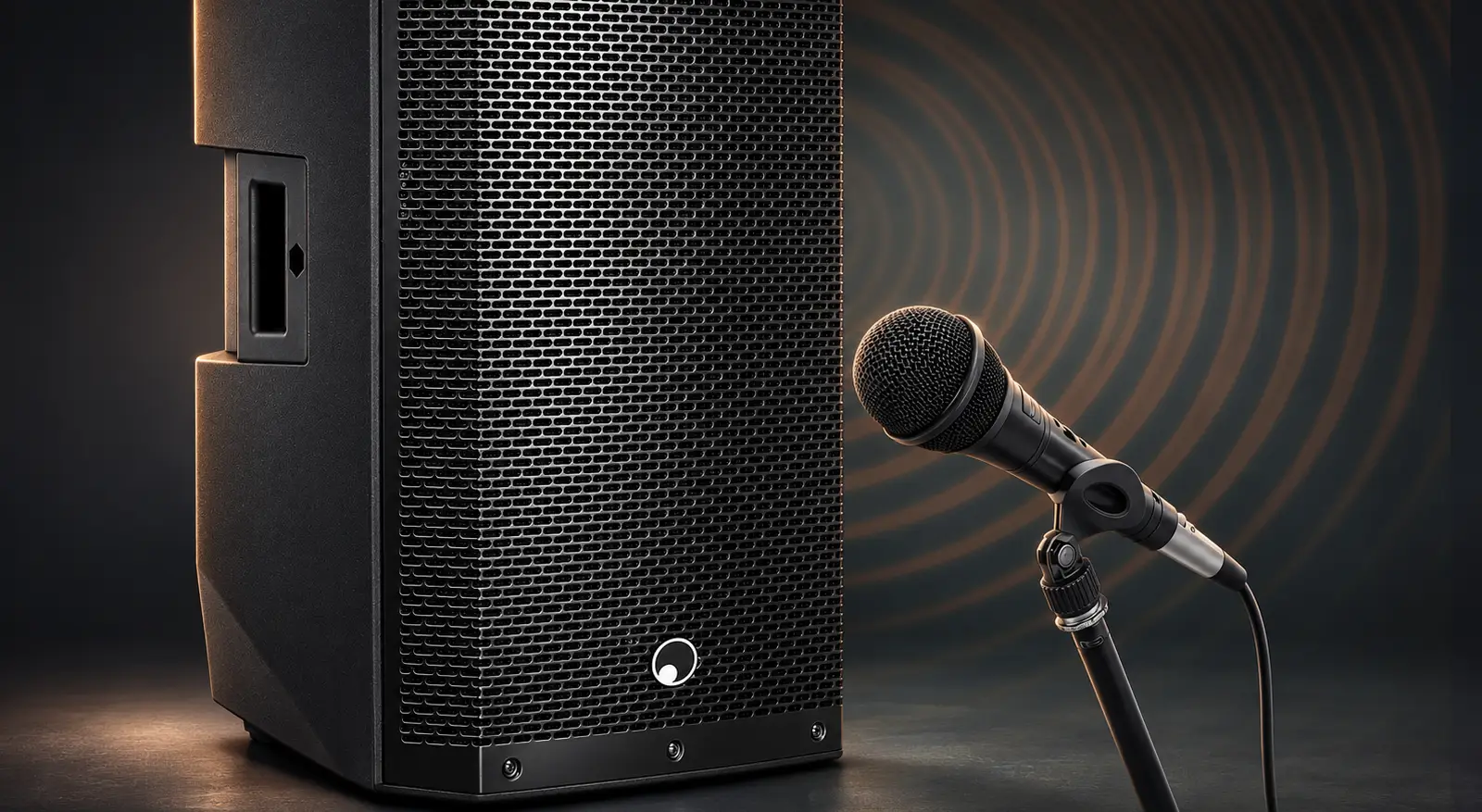
Acoustic feedback, or simply feedback, occurs when sound from a speaker is picked up again by a microphone. The captured signal is amplified again and played back through the same speaker. This completes the loop: microphone, mixing console, speaker, room and back to the microphone.
With sufficient gain and the right phase relationships, individual frequencies can build up. The result is a sustained whistle, screech or low drone. Feedback is therefore not limited to high frequencies. It can also occur in the bass or lower midrange.
Typical settings include concert stages, rehearsal rooms, conference rooms, churches and gymnasiums. A DJ setup with a microphone for announcements can also be affected. The key factor is how strongly the speakers and microphone are acoustically coupled.
2. Why Does Microphone Feedback Occur?
The most important factor is the overall gain in the loop. The louder the microphone signal is reproduced through the PA or monitors, the more likely the system is to reach its feedback threshold. This depends on the interaction between volume, distance, orientation and room acoustics.
Poor positioning: If a microphone is in the direct sound field of a speaker, it can pick up that speaker’s signal again particularly easily. On small stages, short distances make the problem worse.
Too much distance from the microphone: If a handheld microphone is held far from the mouth, the voice is picked up at a relatively low level. If the level is raised to compensate, the system also amplifies more sound from the room and stage.
High stage volume: Loud instruments and overly full monitor mixes make it harder for vocals to be heard clearly. If the vocal level is raised further and further, the margin before feedback shrinks.
Reflections and open microphones: Hard walls and ceilings reflect sound. Having several microphones open at the same time can also increase susceptibility to feedback. Channels that are not needed should therefore be muted.
3. How Can Feedback Be Prevented?
Position Speakers and Microphones Appropriately
The PA should be aimed at the audience and, whenever possible, positioned in front of the line of microphones. This reduces the amount of sound it sends directly back into the microphones. For stage monitors, the polar pattern of the microphone being used is crucial.
A cardioid microphone is least sensitive at the rear. With a supercardioid microphone, however, the areas of greatest rejection lie at angles toward the rear. It is also sensitive to sound coming from directly behind it. The blanket rule “Always place the monitor behind the microphone” therefore does not work for every model. The manufacturer’s polar pattern diagram should guide placement.
Capture the Desired Sound at Close Range
A vocal microphone held close to the mouth at a consistent distance delivers a stronger direct signal. This allows the voice to be reproduced with less additional gain. The microphone grille should remain unobstructed: Cupping it with a hand can alter the polar pattern and cause feedback to occur sooner.
Limit Stage Volume and the Monitor Mix
A monitor should primarily provide what each performer needs to hear. A full band mix at high volume is often unnecessary. Less stage sound makes it easier to reproduce vocals clearly and reduces the amount of sound picked up by open microphones.
- • A practical example at a concert:
If the vocals can barely be heard on a small stage, turning them up may immediately cause squealing. A better first step is to check instrument volume, monitor placement and the monitor mix. - • A practical example at a panel discussion:
If all tabletop microphones remain open even though only one person is speaking, the system picks up an unnecessary amount of sound from the room and speakers. Muting unused microphones can improve the situation.
4. What Role Do Equalizers and Low-Cut Filters Play?
A low-cut filter, also known as a high-pass filter, attenuates low frequencies. For speech and vocals, it can reduce unwanted rumble and handling noise and lower the risk of low-frequency feedback. The setting needs to suit the voice so that it does not sound thin. However, a low-cut filter does not specifically target a high-pitched squeal.
If a particular frequency repeatedly feeds back, a parametric equalizer can be used to apply a narrow cut at that frequency. This keeps the effect on the rest of the sound to a minimum. Indiscriminate or broad cuts, however, can reduce sound quality.
Automatic feedback suppressors identify critical frequencies and apply the appropriate filters. They are no substitute for sensible placement, either. During soundcheck, microphone positions and monitor levels should be checked under conditions that are as realistic as possible.
5. What Helps Right Away When a Microphone Squeals?
First, the loop must be broken. This is done by lowering or muting the affected microphone channel or monitor bus. If the cause is not immediately clear, temporarily lowering the main output level may also be necessary.
A quick check can then help:
- 1. Which microphone is affected and has a level just been changed?
- 2. Is the microphone pointing at a speaker, or is it too close to one?
- 3. Can the orientation and distance be improved, or can monitor levels be reduced?
- 4. Are any unused microphones open, or is a targeted frequency cut needed?
Only after the issue has been corrected should the level be carefully raised again.
6. Conclusion
Feedback is best prevented when setup, microphone technique and volume work together. The most important steps come before the first note: Aim speakers carefully, place microphones close to the desired sound source and keep monitor mixes to the essentials. Filters and equalizers complement these fundamentals. That means fewer piercing squeals to stop at the mixing console later.
FAQ
No. Feedback can occur even when the equipment is working perfectly. The causes often lie in the setup, gain or microphone technique.
Wireless transmission is not the deciding factor. However, moving around changes the microphone’s position relative to the speakers. This can cause a previously stable setup to feed back.
No. Its directional pickup pattern only helps when speakers are positioned to align with its least sensitive areas. Even then, the amount of gain available remains limited.
It can attenuate problem frequencies and provide additional margin before feedback. However, it can only compensate for poor microphone placement or excessively high monitor levels to a limited extent.